Unofficial fan port: Gears of War 2 — Native PC port
The retail Xbox 360 game, statically recompiled to native x64 code for Windows. Not an emulator. You bring your own copy of the game; the download contains none of it.
- Windows 10/11 x64
- DirectX 12 GPU
- Your own retail copy
Recompiled, not emulated
The game's code, translated once
Emulators translate a console's code while the game runs. This port is a static recompilation (a “recomp”): that work is done ahead of time, so on your PC the game is an ordinary Windows program.
-
Xbox 360 · PowerPC
The retail executable
The game's
default.xexholds code for the Xbox 360's PowerPC processor. -
Build time · ReXGlue SDK
Recompiled ahead of time
The ReXGlue code generator turns the game's functions into C++, which is compiled to native x64 code. No CPU emulator runs while you play.
-
Your PC · x64
gow2.exe
A native Windows program. The ReXGlue runtime, derived from Xenia, stands in for the console's system and graphics, and the game's data comes from your own copy.
In the zip
- gow2.exe and runtime DLLs
- gow2.toml (settings)
- tools\texpack.py
- LICENSE, README, notices
You bring
- default.xex
- GearGame\
- dumped from your own retail disc
The zip is built from a fixed list of files, and the packaging script refuses to build it if a game file (default.xex, .xxx, .tfc or .bik) is among them.
An earlier fan port, “Hollow”, was built from a leaked 2008 development build. This one runs the complete retail game.
Captured in the port
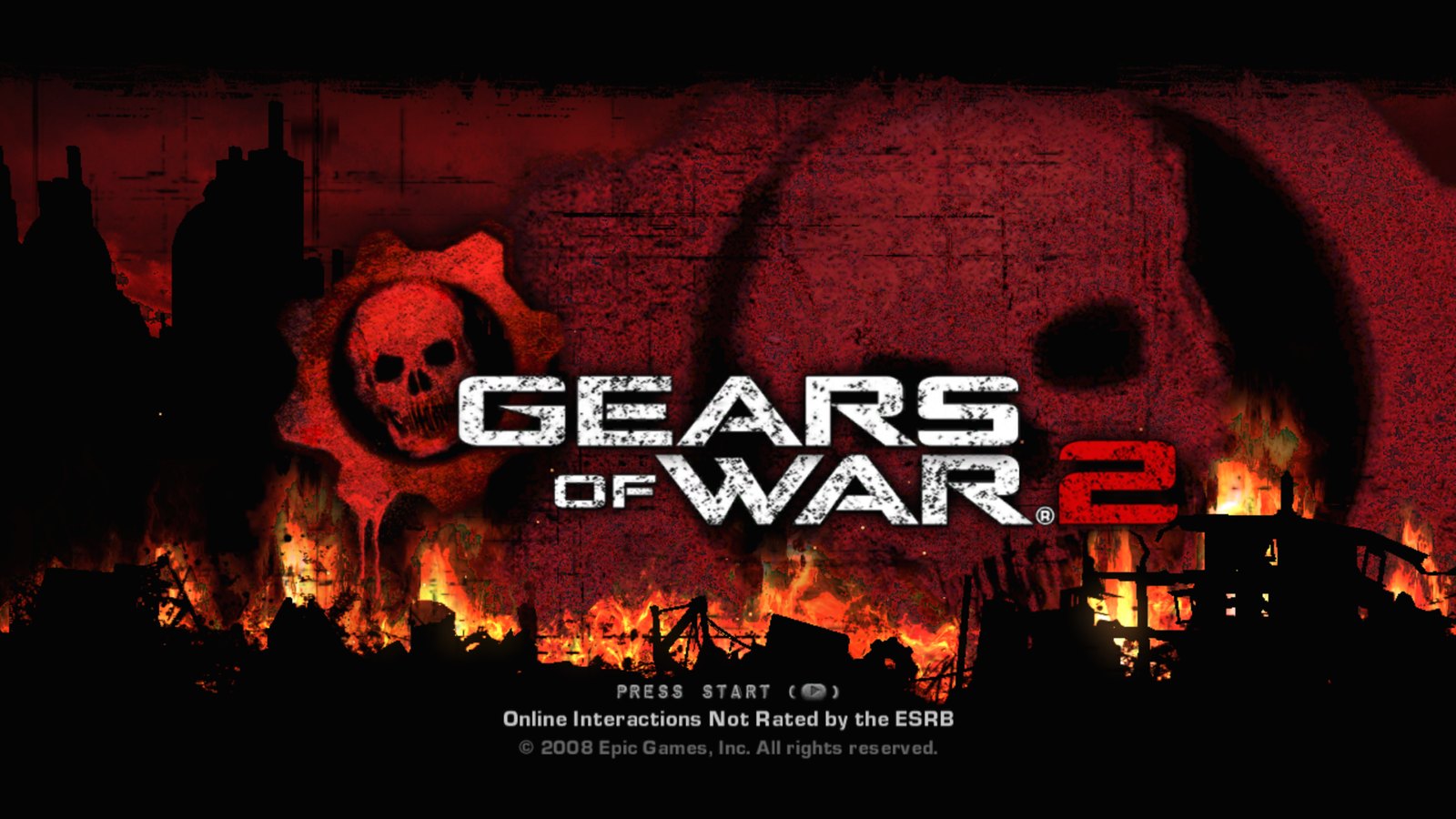
Gears of War 2 PC screenshots
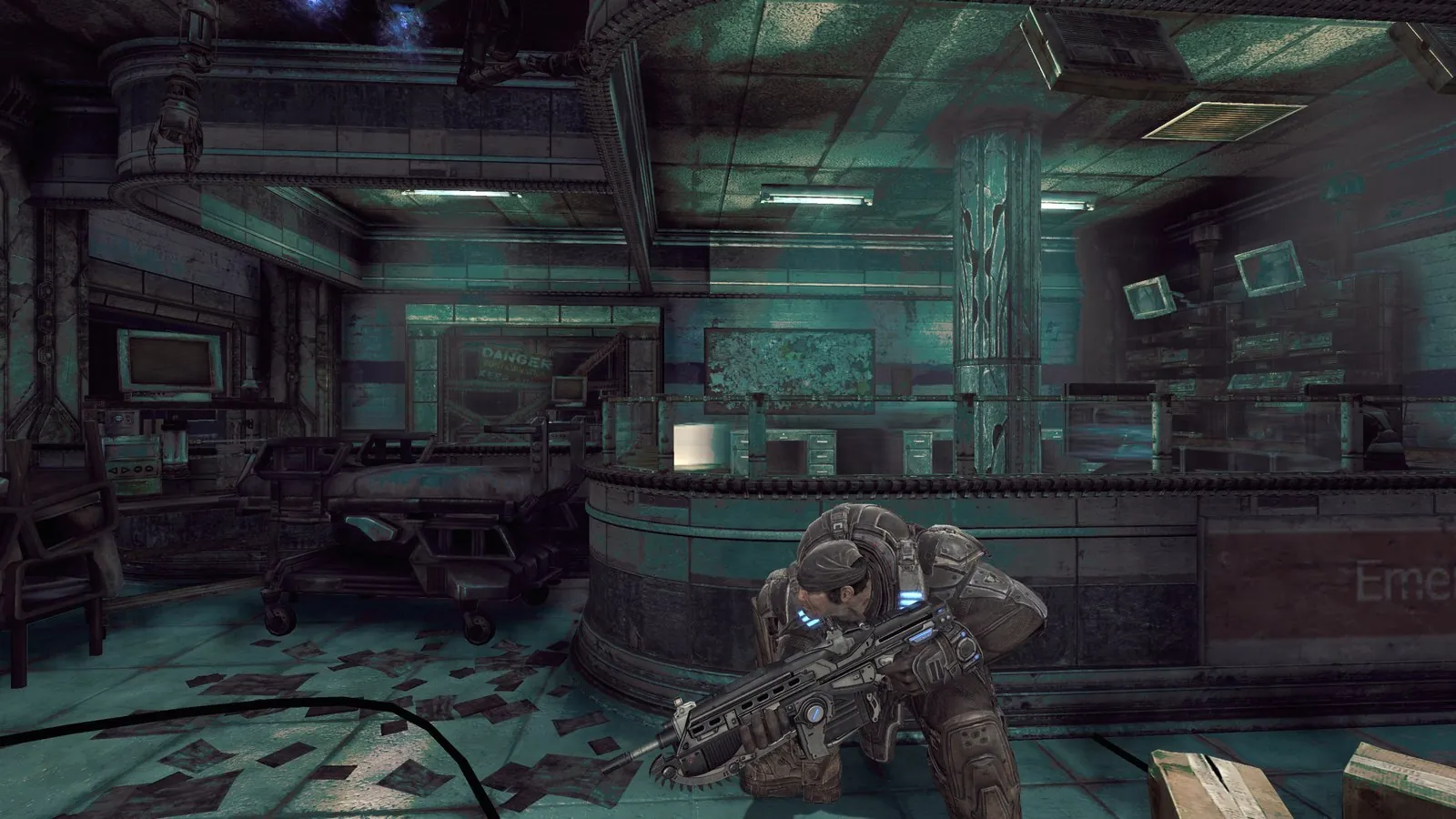
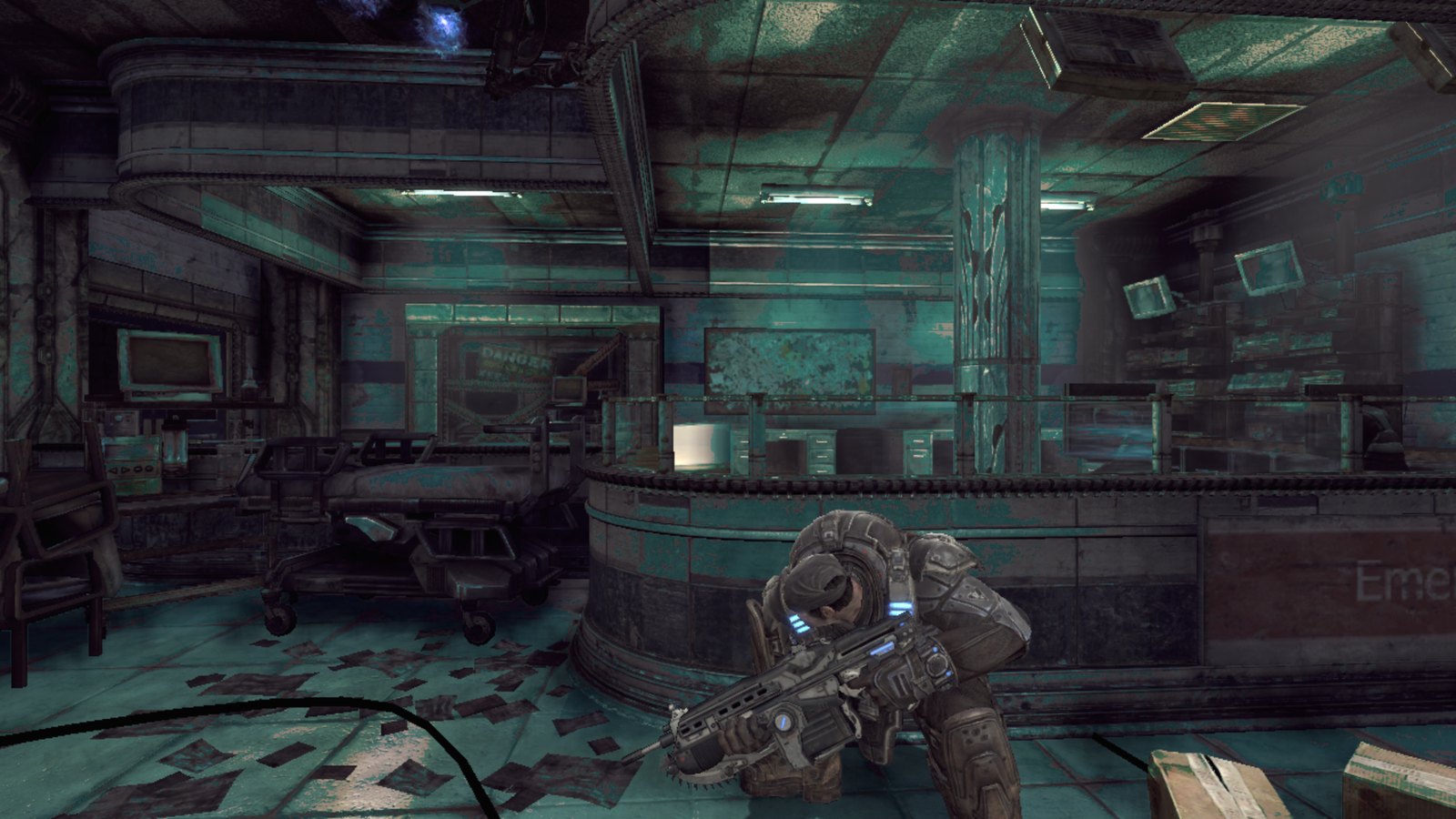
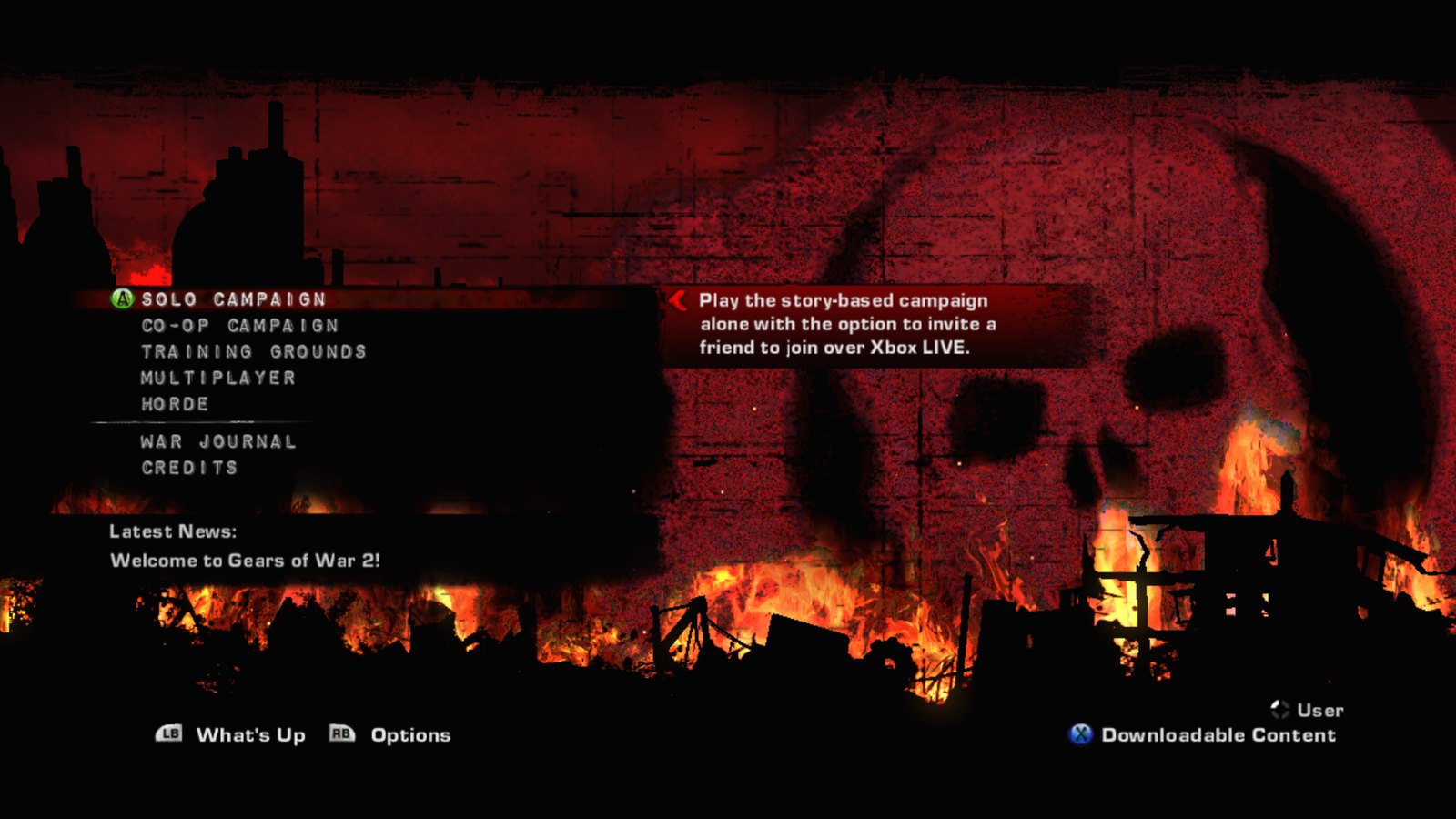
Every screenshot shows the game running in this port on Windows. The game's content in them belongs to Microsoft and is not covered by this project's license. Select one to open it at full size.
On PC
What the PC port adds
Everything is a setting in gow2.toml, next to the exe. Command-line flags such as --resolution_scale=3 override it.
# gow2.toml (defaults)
fullscreen       = true
resolution_scale = 2          # 1 = 720p, 2 = 1440p, 3 = 4K
present_effect   = "bilinear"   # or "fsr", "cas"
gow2_unlock_fps  = false      # lifts the 30 fps cap
gow2_aniso16     = true       # 16x anisotropic filtering
texture_replace = false # load your texture pack-
1440p by default, 4K internal
resolution_scalerenders the game at a multiple of its original 720p: 2 = 1440p (the default), 3 = 4K. In Act 1 at 1440p the development PC (Ryzen 9 7900X3D, Radeon RX 7800 XT) averages about 90 presented frames per second, 1% low 55. -
FSR 4, FSR 3.1, FSR 1 and CAS
Temporal upscaling with FSR 4 on Radeon RX 7000 and 9000 and FSR 3.1 on other GPUs, through AMD's signed FidelityFX DLLs. It is off by default: set
gow2_temporal = trueandgow2_upscaler = "fsr4"or"fsr3". FSR 4 was checked in game on a Radeon RX 7800 XT. The spatial options stay:present_effect = "fsr"upscales with FSR 1 plus sharpening (about 85 fps in Act 1 from 720p to 1440p),"cas"only sharpens.The release has no DLSS: NVIDIA's license does not allow it in an open-source release. Only builds made from source with your own copy of NVIDIA's DLSS SDK can use it.
-
Campaign co-op over System Link
Up to four players in the campaign on PC; a PC and an Android phone have joined for two-player co-op. It is off by default: set
net_link_active = trueon every player's copy for two players, orgow2_coop_players = 3or4for more. Verified with four copies on one PC, and with a PC and an Android phone on one LAN. Playing over the internet is experimental: the host opens two UDP ports and friends join withnet_peers; a phone on mobile data has joined a PC host this way (guide).net_link_activegow2_coop_playersnet_peers -
Texture packs
Dump the game's textures from your own copy (
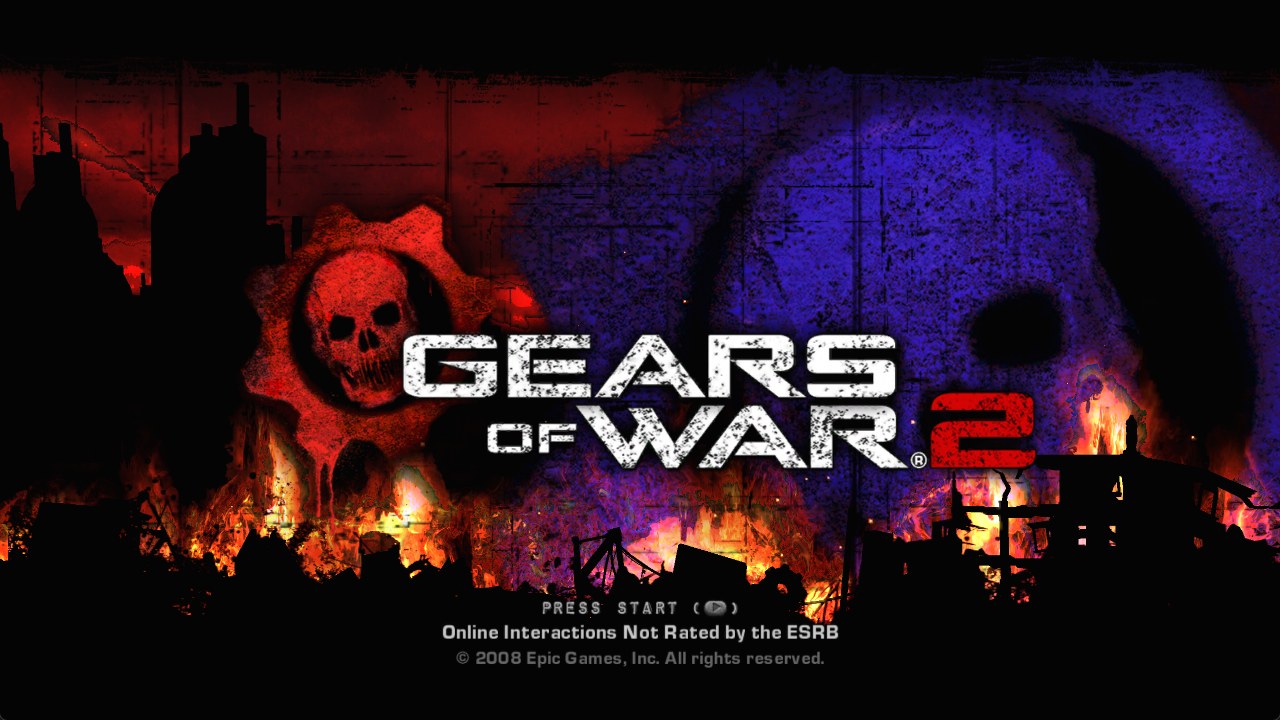
texture_dump = true), upscale them with any tool, and load them back (texture_replace = true). The release includestools\texpack.pyto convert between DDS and PNG. Make packs from your own copy, for your own use: an upscaled texture is still derived from the game's art, so this project does not host or link texture packs made from the game's textures.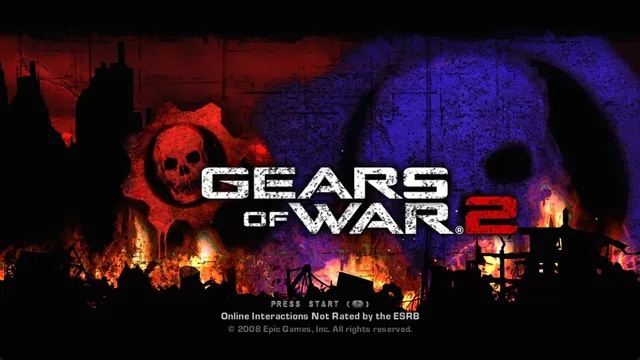
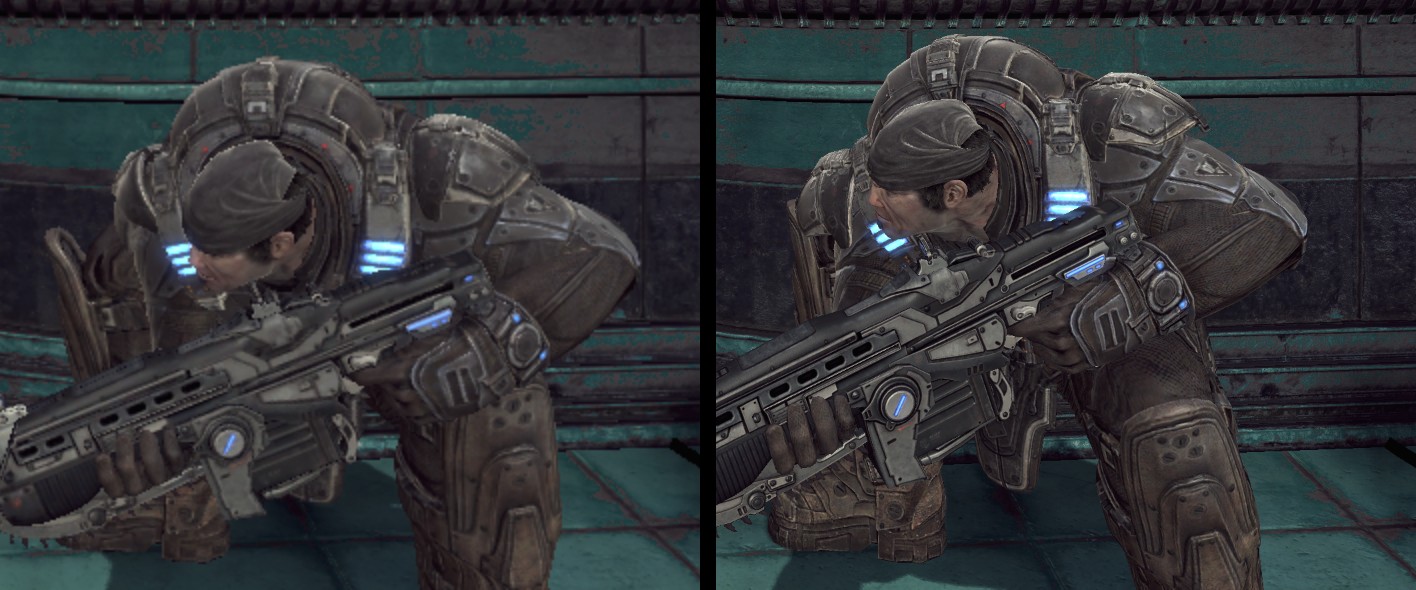
Replacement test: one title-screen texture swapped for a recoloured 2048×2048 version. -
Community game patches
Correct character lighting, a bigger texture pool with less pop-in, 16x anisotropic filtering, ambient occlusion and depth of field that stay clean at higher resolutions, and an optional 30 fps cap unlock. From xenia-canary/game-patches by illusion and boma, each behind its own setting.
gow2_black_shading_fixgow2_texture_streaming_fixgow2_unlock_fps -
Keyboard, mouse and controllers
W A S D and the mouse, with fire and aim on the mouse buttons. Since 0.1.1 the mouse aims through the game's own PC mouse axes, with no stick dead zone. A controller works at the same time. Every binding is in
gow2.toml. -
Open source
The project's own code is BSD-3-Clause. You can build it from source with your own copy of the game.
Status
Act 1 is playable. The rest is in progress.
v0.1.1 · October 2026
Works now
- The retail game boots to the menus
- Act 1 playable with keyboard and mouse or a controller
- Native 1440p, or 4K internal
- FSR 4 and FSR 3.1 temporal upscaling (opt-in), FSR 1 and CAS
- Campaign co-op for up to four players over System Link (opt-in): four copies on one PC, and a PC with an Android phone on a LAN
- Community game patches
- Texture packs: dump and replace
- Saves, profile and achievements in any folder (
gow2_save_dir)
Not yet
- The full campaign: only Act 1 has been played
- Internet play beyond a first test: a phone on mobile data joined a PC host, but no PC friend outside the network has tried yet
- Horde and Versus over System Link: not tried
- Keyboard keys as a PC game handles them: keys still pass through an emulated controller
- DLSS in the release: NVIDIA's license keeps it out
- A Linux build, and a playable Android version
Known issues in 0.1.1
- Hints show Xbox button pictures. Menu prompts show keyboard keys ([Space], [E]...) unless a controller is connected at launch (
gow2_prompts); the button pictures inside in-game hints are still the Xbox ones. - Green-looking lighting. It has been reported on one PC and could not be reproduced yet. Screenshots in an issue help.
- Co-op with three or four players is early. A chapter change, the death of any player, a player leaving, cinematics and vehicles can break it.
- Every player needs the same build. There is no version check yet, and a 0.1.0 copy cannot see a 0.1.1 host.
The full plan, from the complete campaign to Linux, Android and internet play, is in the roadmap.
Install
From your disc to gow2.exe
How to play Gears of War 2 on PC with this port, step by step.
-
Dump your own disc
Extract your retail Xbox 360 copy of Gears of War 2 (title ID
4D53082D) to a folder that containsdefault.xexandGearGame. For example, unpack your ISO with xdvdfs:xdvdfs unpack "Gears of War 2.iso" C:\Games\GoW2 -
Download and unzip
Get the zip from the latest release and unzip it anywhere. Each release lists the zip's SHA-256 so you can check the download.
Download the latest release -
Run gow2.exe
The first launch asks for your game folder and remembers it. You can also pass the folder directly:
gow2.exe --game_data_root="C:\Games\GoW2"Settings live in
gow2.tomlnext to the exe.
Keyboard and mouse controls
| Move | W A S D |
|---|---|
| Look | Mouse, or the arrow keys |
| Fire / aim | Left / right mouse button |
| Cover, roadie run, roll | Space |
| Melee, chainsaw (hold) | F or V |
| Use, pick up, revive | E |
| Reload | R |
| Point of interest | Q |
| Tactical display | G |
| Zoom | Middle mouse button or Z |
| Weapons | 1 to 4 |
| Pause / back | Enter or Esc / Tab |
FAQ
Questions before you download
Is it legal? Do I need my own copy of the game?
You need your own retail Xbox 360 copy of Gears of War 2. The repository holds this project's code, a few third-party files listed in THIRD_PARTY_NOTICES.md and screenshots of the game; it never contains game code, generated C++ or game files. The release contains no game files or game data: everything the game needs is read from the copy you dumped yourself.
Do not pirate the game. Builds that include files from the game, and packs made from its textures, are not part of this project.
Is this an emulator?
No. Emulators such as Xenia translate the console's code while the game runs. Here the game's code was recompiled ahead of time to native x64 code with the ReXGlue SDK, so gow2.exe is a Windows program. The ReXGlue runtime, derived from Xenia, provides the Xbox 360 system and graphics layer the game expects.
What PC and GPU do I need?
Windows 10 or 11 (64-bit) and a GPU with DirectX 12. The port is developed on a Ryzen 9 7900X3D with a Radeon RX 7800 XT, which averages about 90 fps in Act 1 at 1440p internal.
FSR 4 and FSR 3.1 temporal upscaling are built in and off by default (gow2_temporal, gow2_upscaler). The release has no DLSS, because NVIDIA's license does not allow it in an open-source release; only builds made from source with your own NVIDIA DLSS SDK can use it. If the image looks wrong on your GPU, please open an issue with a screenshot and your GPU model.
Can I play the whole campaign?
Not yet. Act 1 is playable; the rest of the campaign has not been played through. The complete campaign is the next goal on the roadmap.
Is there multiplayer, Horde or co-op?
Campaign co-op over System Link is in 0.1.1, off by default. Set net_link_active = true on every player's copy for two players, or gow2_coop_players = 3 or 4 for up to four; everyone needs the same build. Two copies on one PC, and a PC with an Android phone on one network, joined each other's campaign, and four copies on one PC played Act 1 chapter 2 together. Playing over the internet is experimental: the host opens UDP 14001 and 41000, and friends name the host with net_peers. A phone on mobile data has joined a PC host that way; a PC friend outside the network has not tried yet. Guides: network play, more than two players and playing over the internet. Horde and Versus have not been tried. Split-screen co-op is part of the full-campaign goal.
Is there an Android or Linux version?
Not a playable one yet, and no APK is published. On a Samsung Galaxy S25 Ultra a build from the repository reaches gameplay with touch controls and joins a PC's System Link campaign. The whole scene has drawn since October 15; it runs at about 30 fps for the first minutes from a cool start, falling to about 10-12.5 fps once the phone is warm. The plan and status are in docs/ANDROID.md.
A Linux x64 build with Vulkan is planned as the first non-Windows target.
How is this different from the “Hollow” port?
Hollow was built from a leaked 2008 development build. This port runs the complete retail game, from your own disc.
Credits
Built on open work
- ReXGlue SDKRuntime and code generator, derived from Xenia. BSD-3-Clause.
- gears-judgement-recompGears of War: Judgment on ReXGlue; build tooling and the temporal upscalers come from it.
- XeniaThe Xbox 360 emulator the runtime is derived from.
- XenonRecompXbox 360 static recompilation by hedge-dev.
- xenia-canary/game-patchesCommunity patches by illusion and boma.
- AMD FidelityFX SDKFSR 1 and CAS, MIT. The FSR 4 and FSR 3.1 DLLs are AMD's signed binaries, redistributed under AMD's license, not MIT; see THIRD_PARTY_NOTICES.md.
Bring your disc. Run it natively.
The project's code is free and open source (BSD-3-Clause); the download also carries AMD and Microsoft runtime DLLs under their own licenses. Read the README for every setting, and star the repository to follow the road to the full campaign.